
































Skip to content

Commenda integration
for BigCommerce

BigCommerce shows you what you sold. It will not register you for tax, file your returns, or tell you where you are exposed. Commenda reads every BigCommerce order, sizes your exposure, and files in every jurisdiction you sell to.

Integration connection between platform and Commenda

How it works

How Commenda's integration works for BigCommerce

  1. Step 01

    Connect in one tap

    Authorize BigCommerce once. The same flow covers 100+ integrations across ERP, accounting, payments, and e-commerce, so adding another system later works the same way. No engineering time.

  2. Step 02

    Full control over what you share

    You choose which data models sync, and what Commenda can read and write. Scopes stay visible and editable after setup, and access runs per user and per entity.

  3. Step 03

    Get global compliance

    Sales tax, VAT, and GST calculate on every transaction. Your monthly tax and accounting close on the same data. Cross-company transactions get checked against your transfer pricing policy.

Products

How BigCommerce integrates with Commenda's product stack

One BigCommerce connection serves every Commenda product. The same sync that calculates sales tax, VAT, and GST also feeds your transfer pricing checks and your books, so you never wire up BigCommerce twice.

  • BigCommerce indirect tax integration

    We calculate sales tax, VAT, and GST on every transaction. Your global exposure summary updates in real time.

    Learn more
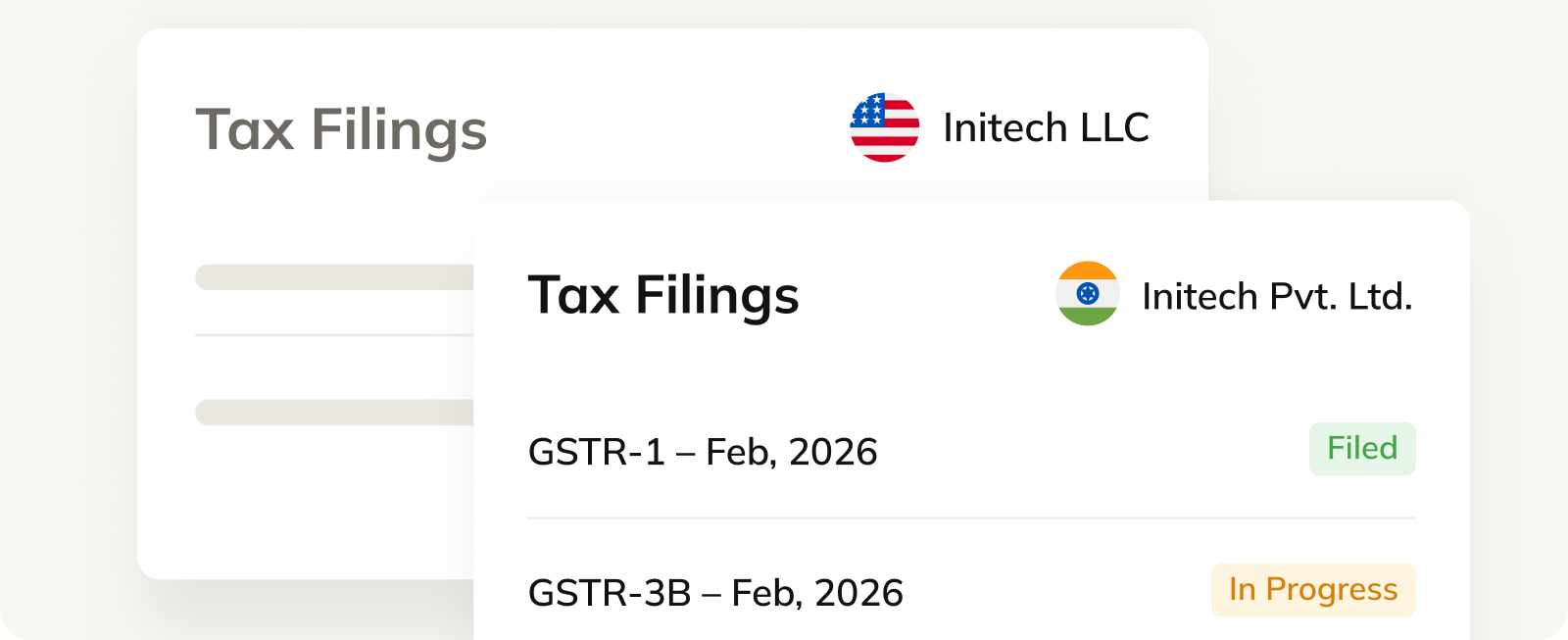
    Commenda tax filings view listing VAT and GST returns for two entities with filing status labels
  • BigCommerce transfer pricing integration

    We pull intercompany transactions from your ERP and check them against your transfer pricing policy.

    Learn more
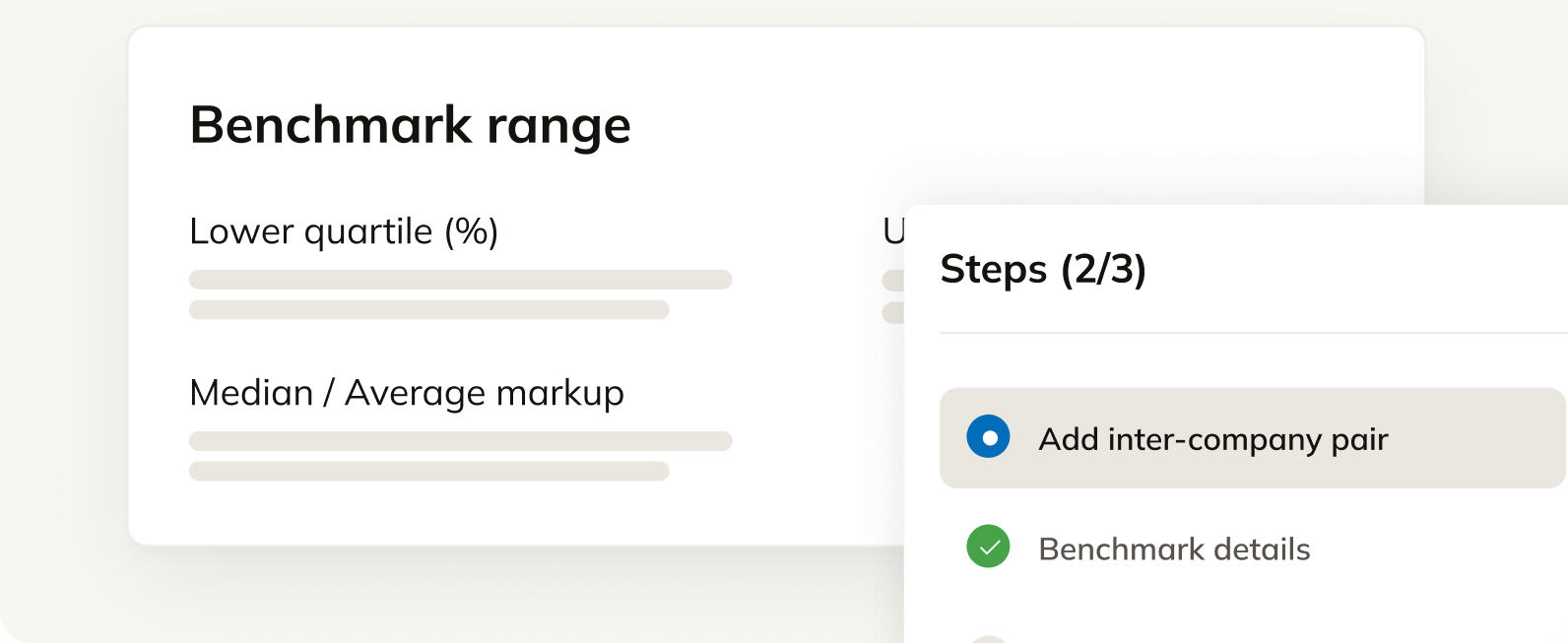
    Commenda benchmarking view showing an intercompany markup range and a guided add-a-pair step flow
  • BigCommerce tax and accounting integration

    We fetch financial statements from all your accounting tools and help you stay financially compliant across 80+ countries.

    Learn more
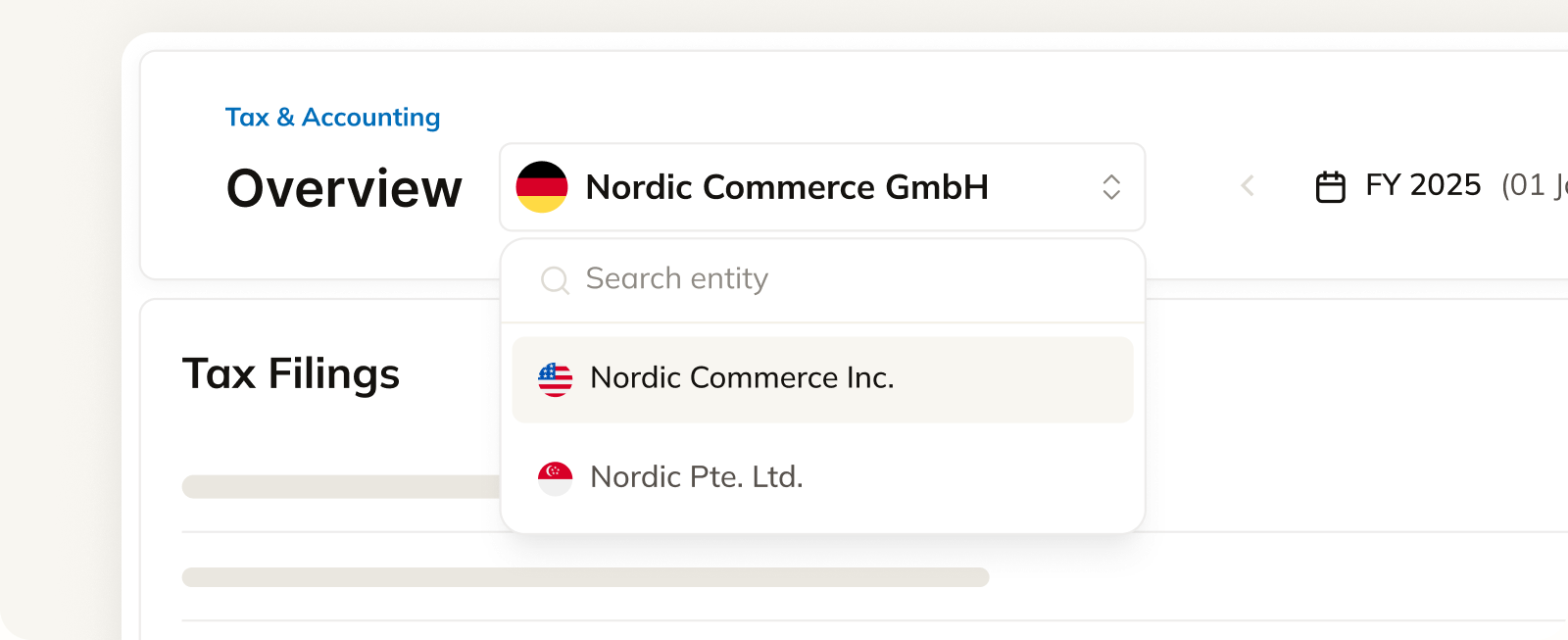
    Commenda tax and accounting overview with an entity selector and a list of tax filings by form

Custom integrations and API access, supported

Running custom workflows in BigCommerce? We shape the integration around how your business and your accounting actually work, then maintain it after launch.

API docs

Most Commenda products are also available as an API. Pull sales tax calculations, exposure data, and filings straight into your own product or stack. REST API for anything custom.

Read the API docs (opens in a new tab)

Frequently asked questions

What finance teams ask before they connect BigCommerce to Commenda.

Yes. Multi-storefront setups are natively supported, including cases where each store is a separate entity. The BigCommerce integration understands store structure natively, which is where older tax integrations tended to need stores split by hand.

Yes. Tax calculations are pushed back to BigCommerce for future orders, so the storefront charges the right rate rather than only reporting after the fact.

Every source is read separately and consolidated into one ledger tagged by ship-to state, with the source visible on each transaction. Tax a marketplace already collected stays separate from revenue that still needs it, so a direct BigCommerce sale gets tax applied while an already-taxed marketplace order does not.

We assign tax codes across your catalogue, including high five-figure SKU counts. One code covers the US, UK, Canada, and other supported regions, and custom codes have a quick turnaround. An account-level default applies to new products, and shipping and handling revenue stays separate from item revenue.

Yes. Connecting BigCommerce backfills your transaction history, and we run an exposure analysis against thresholds in every state and country you sold into. That is also the data we use to prepare back-period filings under a voluntary disclosure agreement.

Physical presence, and it catches sellers out more often than thresholds do. Inventory at a 3PL, a warehouse, a remote employee, a traveling sales rep, or an office all create physical nexus in that state at any revenue, and trailing nexus keeps the obligation alive after the employee or the inventory leaves. Economic nexus is the other half, usually $100,000 in sales or 200 transactions a year.

Yes. Your customers upload certificates through a self-service portal. We validate and store each one against the customer, then apply it automatically to future invoices in the states where it is valid. Expiries are tracked and chased, including annual refreshes in states like Florida, and we can batch-request certificates from customers who have never sent one.