Sales tax software for Deltek Vision
For an architecture, engineering, or consulting firm the hard question is whether the service is taxable at all, and that changes by state. Vision's tax codes are rates you enter, grouped by the client's country rather than by state. Commenda resolves taxability per state, tracks where your teams work, and files.
Trusted by global businesses

































Resolve services taxability per state
Texas defines taxable services as 16 named categories and exempts 20% of the charge for data processing and information services. Other states draw the line elsewhere. Commenda maintains that matrix and maps each of your service codes into it.
Source multi-state project work correctly
A study performed in one state for a client in another can be sourced either way, and staff on a client site can create physical presence on their own. Commenda resolves both from your Vision data plus a short questionnaire.
One exposure figure across your companies
Deltek documents that Vision's Tax Analysis report covers the active company only. Commenda consolidates every company into one exposure figure per state, with alerts at 80% of a registration threshold.
Coverage comparison
What Deltek Vision handles, and what it hands back
Vision is the older product and Deltek Vantagepoint is its successor, so the figures below come from Deltek's published Vision 7.6 online help, on tax code configuration, tax regions, tax auditing, the Tax Analysis report, and its Belgian and German tax file generation, checked on July 30, 2026.
Whether your service is taxable in a given state
- Deltek Vision
- Not handled. You decide, then create a tax code and enter the rate
- Commenda
- Resolved per state from a maintained services matrix, per service code
Rates kept current
- Deltek Vision
- Not handled. Rates live in tax codes you maintain, and per company under Multicompany
- Commenda
- Maintained across 14,000+ US jurisdictions and 70+ countries
Work performed in one state for a client in another
- Deltek Vision
- Not handled. Its tax codes are filtered by the client's tax country, not by state
- Commenda
- Sourced per transaction, with performance and client location both carried
Registrations for collecting tax
- Deltek Vision
- Not handled. Nothing in its tax setup registers you anywhere
- Commenda
- Permits in all 50 states, EU VAT with OSS and IOSS, and GST across APAC and Canada
Filing your US returns
- Deltek Vision
- Not handled. Two reports, and only once Tax Auditing is switched on
- Commenda
- Filed in all 50 states, amendments included
Filing outside the United States
- Deltek Vision
- Partly. It builds Belgian and German VAT files that you send yourself
- Commenda
- Filed across 70+ countries from one platform
One tax figure across your companies
- Deltek Vision
- Not handled. Deltek states its tax report covers the active company only
- Commenda
- Consolidated per state across every entity, on one dashboard
| Deltek Vision |  | |
|---|---|---|
| Whether your service is taxable in a given state | Not handled. You decide, then create a tax code and enter the rate | Resolved per state from a maintained services matrix, per service code |
| Rates kept current | Not handled. Rates live in tax codes you maintain, and per company under Multicompany | Maintained across 14,000+ US jurisdictions and 70+ countries |
| Work performed in one state for a client in another | Not handled. Its tax codes are filtered by the client's tax country, not by state | Sourced per transaction, with performance and client location both carried |
| Registrations for collecting tax | Not handled. Nothing in its tax setup registers you anywhere | Permits in all 50 states, EU VAT with OSS and IOSS, and GST across APAC and Canada |
| Filing your US returns | Not handled. Two reports, and only once Tax Auditing is switched on | Filed in all 50 states, amendments included |
| Filing outside the United States | Partly. It builds Belgian and German VAT files that you send yourself | Filed across 70+ countries from one platform |
| One tax figure across your companies | Not handled. Deltek states its tax report covers the active company only | Consolidated per state across every entity, on one dashboard |
Calculate taxes globally on Vision using Commenda
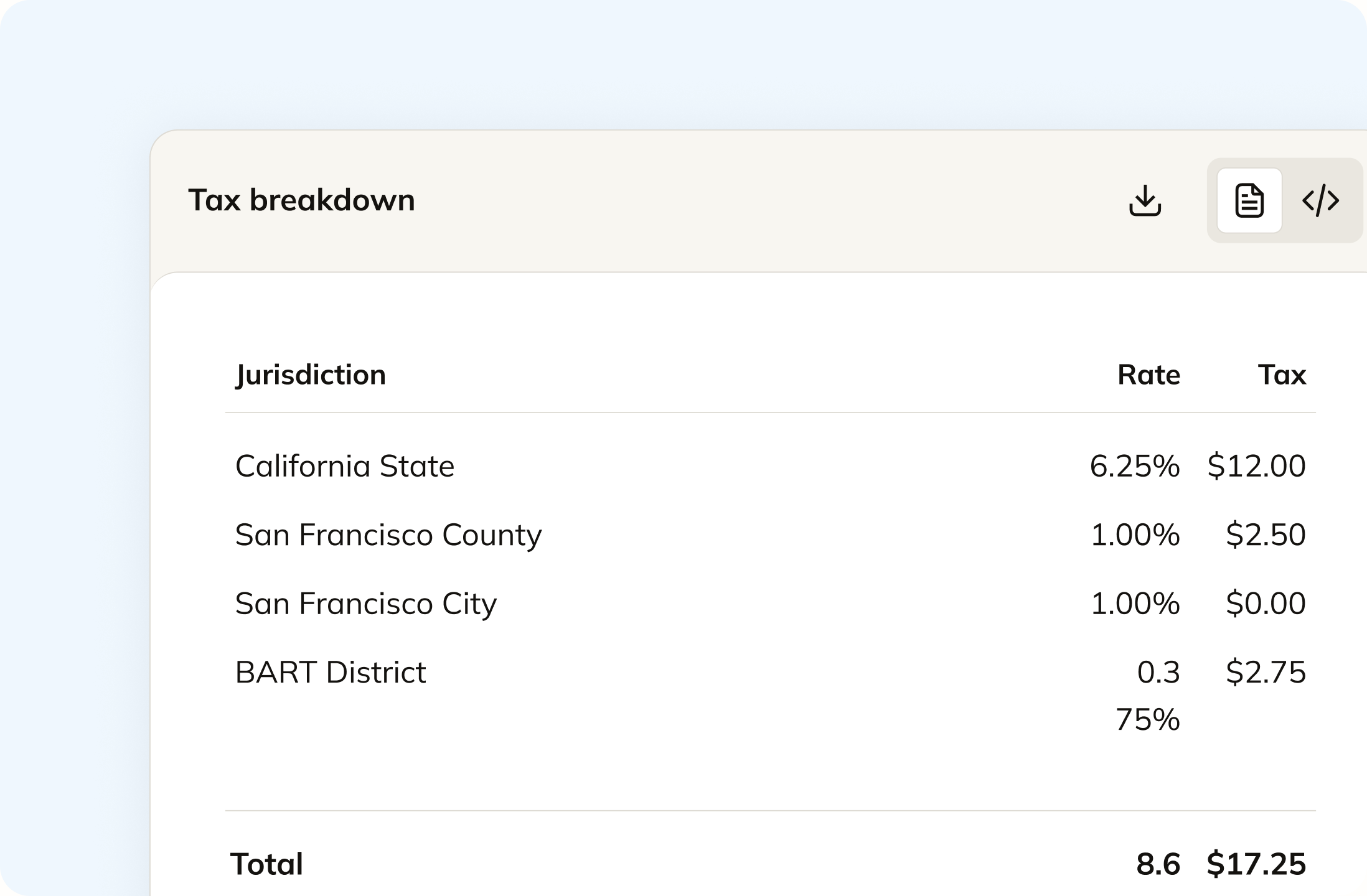
Every service code you bill is mapped to a product tax code that resolves per state automatically, taxable in one and exempt in another. Design fees, reimbursable expenses, and pass-through consultant costs can land differently in the same state, and a blended line hides that. Nobody on your team maintains a 50-state services matrix.
Track your global exposure from Vision
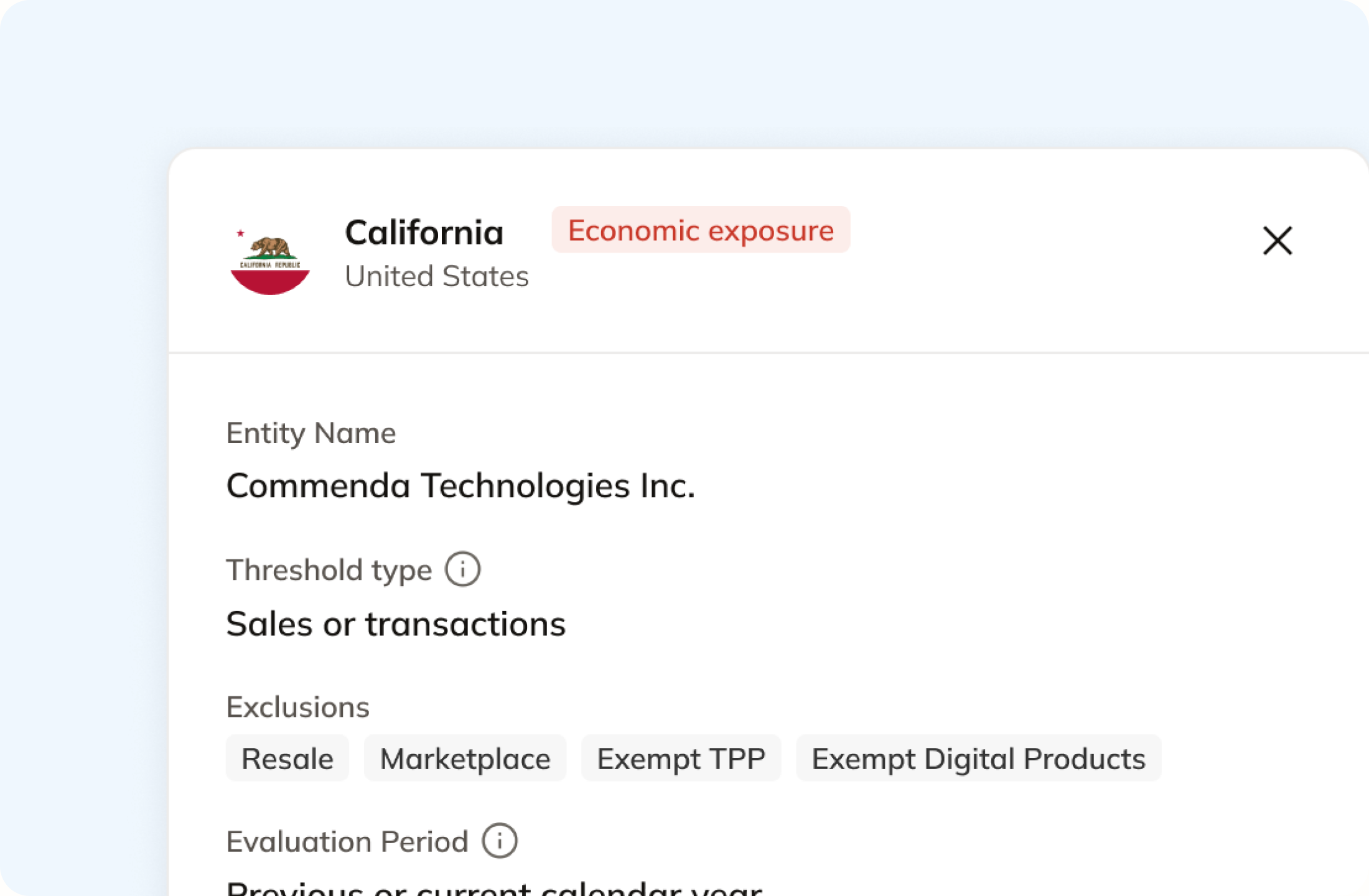
Vision groups tax codes by the client's country. Exposure is a state question, and for a services firm the answer sits in two places at once. Commenda measures your Vision transactions against economic thresholds in all 50 states, and a short questionnaire covers site offices and staff working on client premises, because a timesheet in another state never reaches an invoice.
Automatically remit transactions around the world
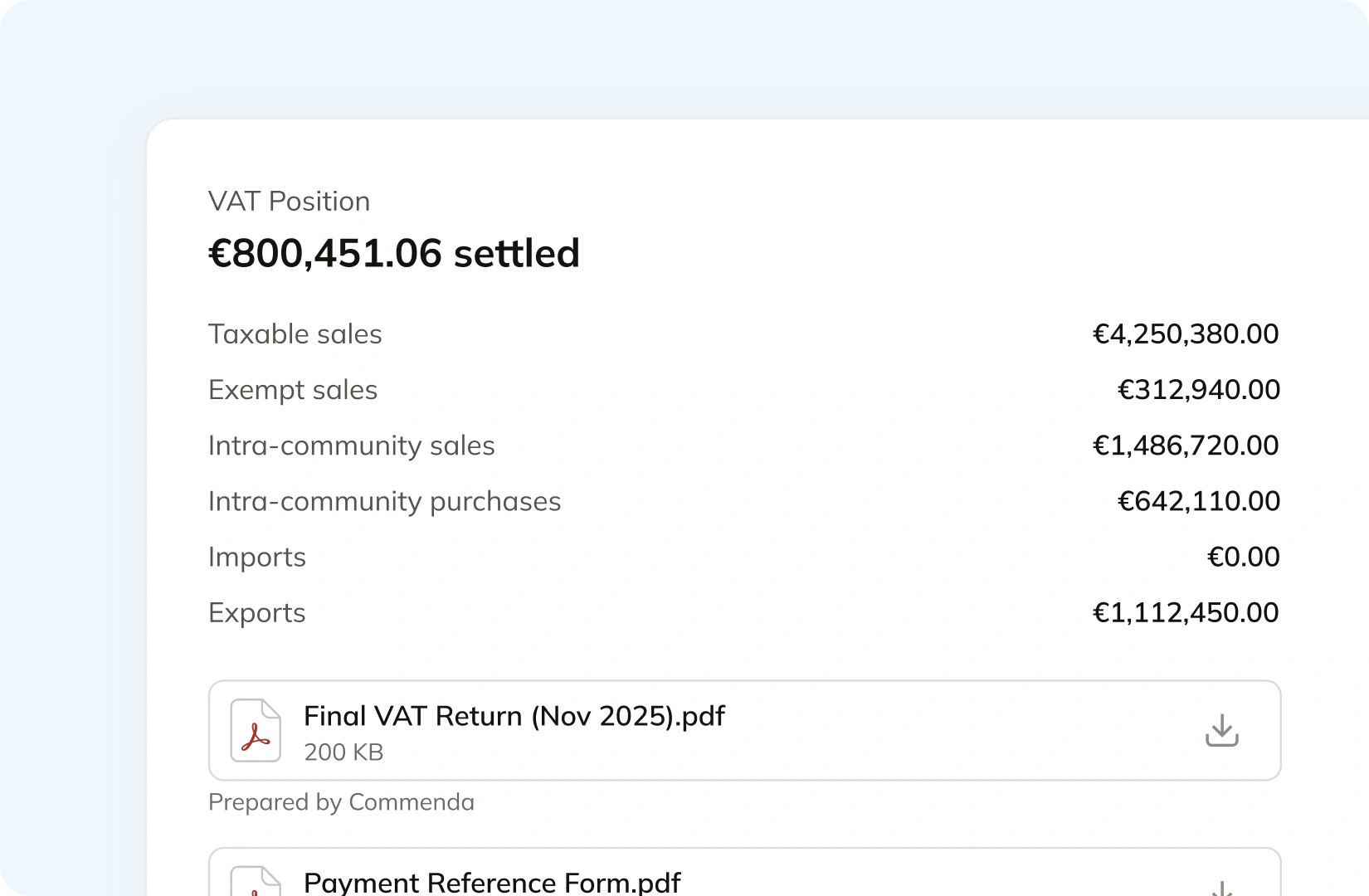
Returns are built straight from your Vision transactions, so nothing gets exported and re-keyed after the tax report has been run for each company in turn. Filings go out across all 50 states on each state's required frequency, plus EU VAT with OSS and GST in APAC and Canada. The liability and the filing confirmation post back to your ledger.
Manage your customers and exemptions in one place
Professional services firms bill public agencies, universities, and nonprofits, and each one needs a valid document before you stop charging tax. Clients upload through a portal that can carry your branding, each certificate is validated on upload and stored against the client record, and it applies automatically in the states where it holds. Expiries are tracked and chased.
Consolidation
Why services taxability decides your Deltek Vision tax position
A services firm's tax position turns on two things Vision does not model: whether the service is taxable in that state, and where the work was actually done. Vision records the invoice and the tax code you chose. Commenda answers the question behind it.
Services taxability is not one rule, it is fifty
Texas defines taxable services as 16 broad categories named in its Tax Code, and then carves them up further: 20% of the charge for data processing services is exempt, and the same 20% applies to information services. Other states tax services broadly, and a few tax almost none. A firm billing the same deliverable into six states can owe tax in two of them. Each service code you bill is mapped to a tax code that resolves per state, so the matrix is maintained rather than remembered.
Vision groups tax by country, and your exposure is by state
Deltek documents that a country can have only one tax region, and that the tax codes offered on an invoice are filtered by the tax country on the client address. That is a sensible VAT design and it does not describe a US sales tax obligation, which turns on states, counties, and districts. Commenda reads the same transactions and resolves them against jurisdictions, so the answer does not depend on how the client address was coded.
Staff on a client site can create the obligation before the revenue does
Physical nexus does not wait for a threshold. People, property, or inventory in a state can create a duty to register on their own, and for an architecture, engineering, or consulting firm that means a project team resident on a customer's premises for months. None of that appears on an invoice. A short questionnaire covers it alongside the transaction data, and our nexus thresholds guide sets out each state's rule.
One ledger, whether you stay on Vision or move to Vantagepoint
Deltek's Vision product page now redirects to Vantagepoint, and its published Vision help library stops at 7.6, so most firms on Vision have a migration ahead of them. Commenda sits outside your ERP, so your registrations, exemption certificates, and exposure history do not move with it. Every revenue source connects to one ledger across 100+ supported integrations, with each transaction carrying its origin.
What it takes
What global indirect tax takes in Deltek Vision
Deltek publishes no list pricing for Vision, so there are no dollar figures here. What Deltek does publish is the Vision 7.6 online help, and the rows below are what each capability takes according to it.
| What you need | What Deltek Vision requires | Source |
|---|---|---|
| Any tax calculation at all | The Billing application installed. Deltek states the Tax Code Setup feature is available only if Billing is installed | Tax Code Configuration |
| A rate | A tax code you create, holding how the tax is calculated, whether it is an input tax or an output tax, override limits for transaction entry, and a non-recoverable percentage | Tax Code Configuration |
| Tax codes across a group of companies | A separate set per company. Deltek states that if you use the Multicompany feature, you must set up tax codes for each company | Tax Code Configuration |
| The right tax codes offered for a given client | A tax region per country, assigned on Company Settings, then a tax country on each client address. Deltek states a country can have only one tax region | Tax Regions |
| Reporting on the tax you entered | The Tax Auditing feature switched on, which adds the Sales List and Tax Analysis reports. Without it you can enter tax on invoices and purchase orders but not report on them | Tax Auditing |
| One tax figure across those companies | Not available in one report. Deltek states that with Multicompany, only information for the active company is included in the Tax Analysis report | Tax Analysis Report |
| A statutory VAT file | Tax File Generation, with four named formats: Intra EU Community XML, Belgium Client Listing XML, Belgium VAT Declaration XML, and the German ELSTER monthly return | Belgium tax file |
| That file reaching the tax authority | You. Deltek's final instruction on both the Belgian and the German procedure is to send the tax file to the tax authorities as you normally do | German ELSTER file |
| The product's future | Vantagepoint. Deltek's Vision product URL now redirects to the Vantagepoint page, and its published Vision help library lists releases up to 7.6 | Deltek Vantagepoint |
Any tax calculation at all
The Billing application installed. Deltek states the Tax Code Setup feature is available only if Billing is installed
Tax Code ConfigurationA rate
A tax code you create, holding how the tax is calculated, whether it is an input tax or an output tax, override limits for transaction entry, and a non-recoverable percentage
Tax Code ConfigurationTax codes across a group of companies
A separate set per company. Deltek states that if you use the Multicompany feature, you must set up tax codes for each company
Tax Code ConfigurationThe right tax codes offered for a given client
A tax region per country, assigned on Company Settings, then a tax country on each client address. Deltek states a country can have only one tax region
Tax RegionsReporting on the tax you entered
The Tax Auditing feature switched on, which adds the Sales List and Tax Analysis reports. Without it you can enter tax on invoices and purchase orders but not report on them
Tax AuditingOne tax figure across those companies
Not available in one report. Deltek states that with Multicompany, only information for the active company is included in the Tax Analysis report
Tax Analysis ReportA statutory VAT file
Tax File Generation, with four named formats: Intra EU Community XML, Belgium Client Listing XML, Belgium VAT Declaration XML, and the German ELSTER monthly return
Belgium tax fileThat file reaching the tax authority
You. Deltek's final instruction on both the Belgian and the German procedure is to send the tax file to the tax authorities as you normally do
German ELSTER fileThe product's future
Vantagepoint. Deltek's Vision product URL now redirects to the Vantagepoint page, and its published Vision help library lists releases up to 7.6
Deltek Vantagepoint
Figures verified on July 30, 2026.
From the field
Trusted by businesses across the globe


“The platform works exactly the way I need it to. I have one team member who manages all of our exemption certificates, and that functionality has been particularly efficient for us. It allows him to handle everything seamlessly, making the handoff significantly easier.”
VP of Finance, TRX






Compare Commenda sales tax software with competitors
Firms leaving Vision usually reconsider their tax stack at the same time. We compare the alternatives on coverage, ratings, and real pricing, and we say where each one wins.
More sales tax resources
Guides from the Commenda team on rates, digital deliverables, VAT, and back-period cleanup.
Frequently asked questions
Custom integration support for your business
Every Vision instance is configured differently, from billing terms to how projects are split across companies. We map how yours works, including which service codes are taxable in which states, and build the integration to match. No engineering work on your side.
Indirect Tax
Monitor nexus exposure, register, file, and remit sales tax and VAT in one platform. Commenda keeps you compliant across 100+ jurisdictions.
Explore the product
