
































Skip to content

Commenda integration
for QuickBooks Online

Your books sit in QuickBooks Online. Keeping them compliant across borders is a separate job, and it is the one Commenda does. Commenda pulls transactions and trial balances straight from QuickBooks Online, then registers, files, and remits across 80+ countries.

Integration connection between platform and Commenda

How it works

How Commenda's integration works for QuickBooks Online

  1. Step 01

    Connect in one tap

    Authorize QuickBooks Online once. The same flow covers 100+ integrations across ERP, accounting, payments, and e-commerce, so adding another system later works the same way. No engineering time.

  2. Step 02

    Full control over what you share

    You choose which data models sync, and what Commenda can read and write. Scopes stay visible and editable after setup, and access runs per user and per entity.

  3. Step 03

    Get global compliance

    Sales tax, VAT, and GST calculate on every transaction. Your monthly tax and accounting close on the same data. Cross-company transactions get checked against your transfer pricing policy.

Products

How QuickBooks Online integrates with Commenda's product stack

One QuickBooks Online connection serves every Commenda product. The same sync that calculates sales tax, VAT, and GST also feeds your transfer pricing checks and your books, so you never wire up QuickBooks Online twice.

  • QuickBooks Online indirect tax integration

    We calculate sales tax, VAT, and GST on every transaction. Your global exposure summary updates in real time.

    Learn more
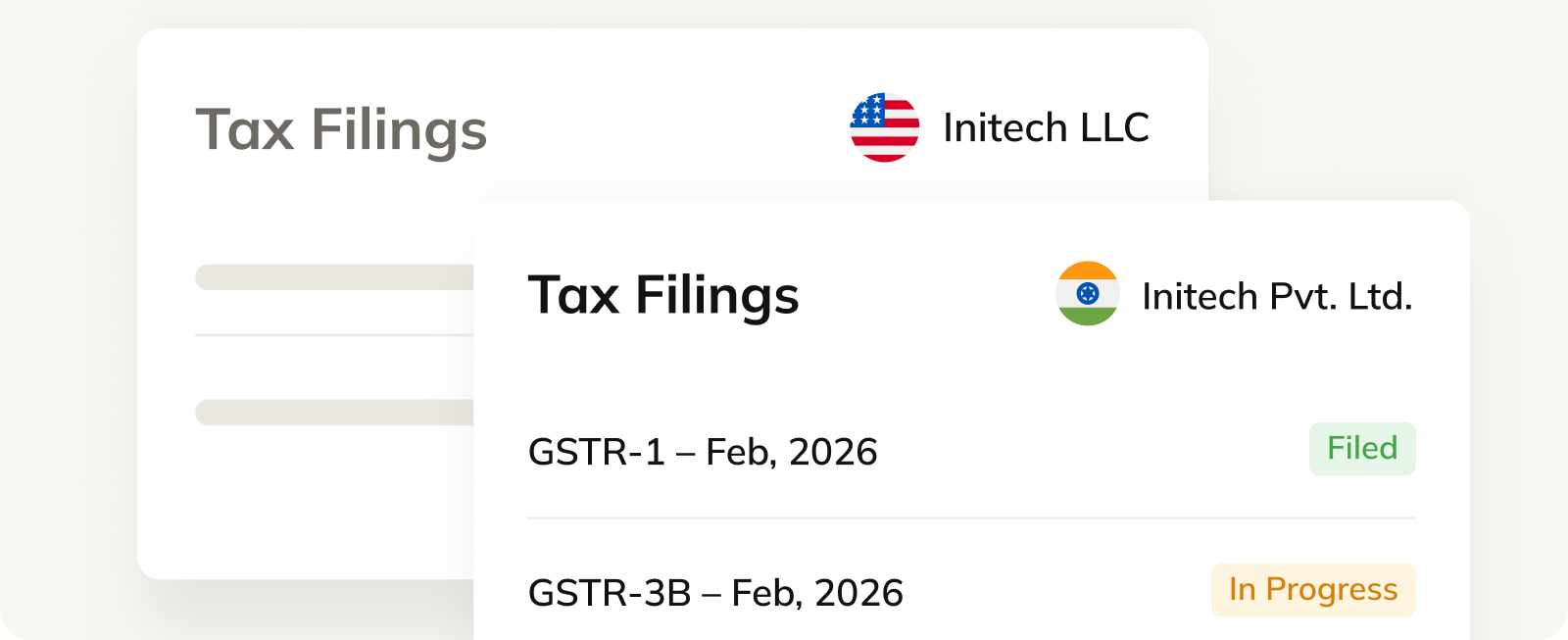
    Commenda tax filings view listing VAT and GST returns for two entities with filing status labels
  • QuickBooks Online transfer pricing integration

    We pull intercompany transactions from your ERP and check them against your transfer pricing policy.

    Learn more
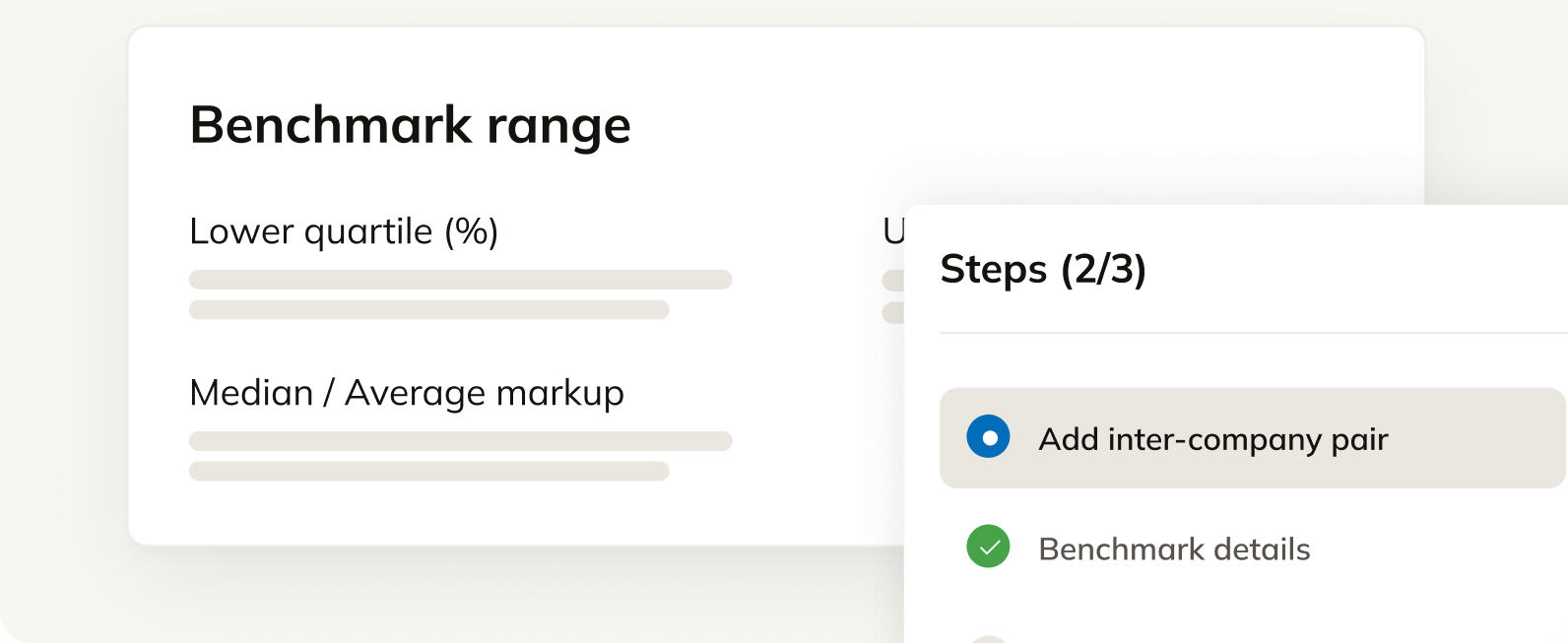
    Commenda benchmarking view showing an intercompany markup range and a guided add-a-pair step flow
  • QuickBooks Online tax and accounting integration

    We fetch financial statements from all your accounting tools and help you stay financially compliant across 80+ countries.

    Learn more
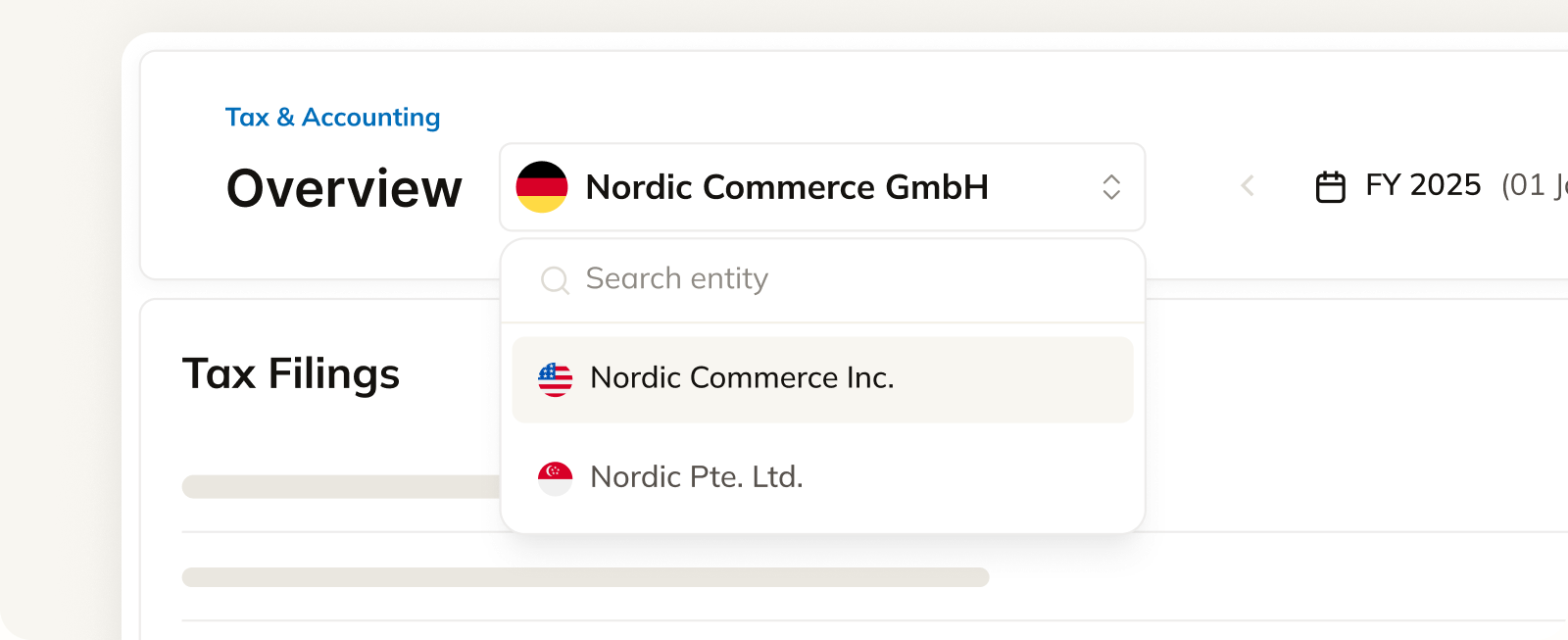
    Commenda tax and accounting overview with an entity selector and a list of tax filings by form

Custom integrations and API access, supported

Running custom workflows in QuickBooks Online? We shape the integration around how your business and your accounting actually work, then maintain it after launch.

API docs

Most Commenda products are also available as an API. Pull sales tax calculations, exposure data, and filings straight into your own product or stack. REST API for anything custom.

Read the API docs (opens in a new tab)

Frequently asked questions

What finance teams ask before they connect QuickBooks Online to Commenda.

Yes, in the US and the UK. The integration covers transaction sync, exposure tracking, and reporting back into the ledger. Tax liabilities and filing confirmations sync back with reference numbers, so the return traces to the transactions behind it. Regional tax types are routed to separate accounts, so US sales tax and UK VAT do not land in the same place and your books stay clean.

For multi-currency, multi-entity setups Xero often handles currencies and international operations more gracefully, and QuickBooks Online can charge extra for multi-currency features. We recommend based on your entity footprint rather than a blanket answer, and we support both.

Yes. Connecting QuickBooks Online backfills your transaction history, and we run an exposure analysis against thresholds in every state and country you sold into. That is also the data we use to prepare back-period filings under a voluntary disclosure agreement.

A voluntary disclosure agreement usually waives penalties and leaves interest, and the waiver succeeds in roughly 98% of the ones we run. Lookback periods are two to four years in most states and unlimited in a few, Nevada among them. Below a meaningful liability a plain backdated registration costs less than a VDA.

Yes. With QuickBooks Online connected, intercompany transactions are monitored against your agreed transfer pricing policy and flagged when they diverge, so you catch drift during the year instead of at filing time. Where we handle the bookkeeping, the intercompany entries and recharges post as part of the monthly close.

You set the scope, and it stays visible and editable after setup. Access is controlled per user and per entity, so not everyone on your team sees everything. Auditors get read-only access without shared credentials, and access is logged.

Yes. Multi-entity setups are natively supported, including a separate legal entity per account or subsidiary. You switch entities on one dashboard with consolidated registrations, exposure, and filings rather than running a tool per entity.